Online ordering on your own page. No commission.
Let guests choose, add their requests and pay on your own ordering page. Orders arrive in OKO Manager and the kitchen gets the details, ready to prepare.
We set it up for your restaurant. Pay monthly, no contract.
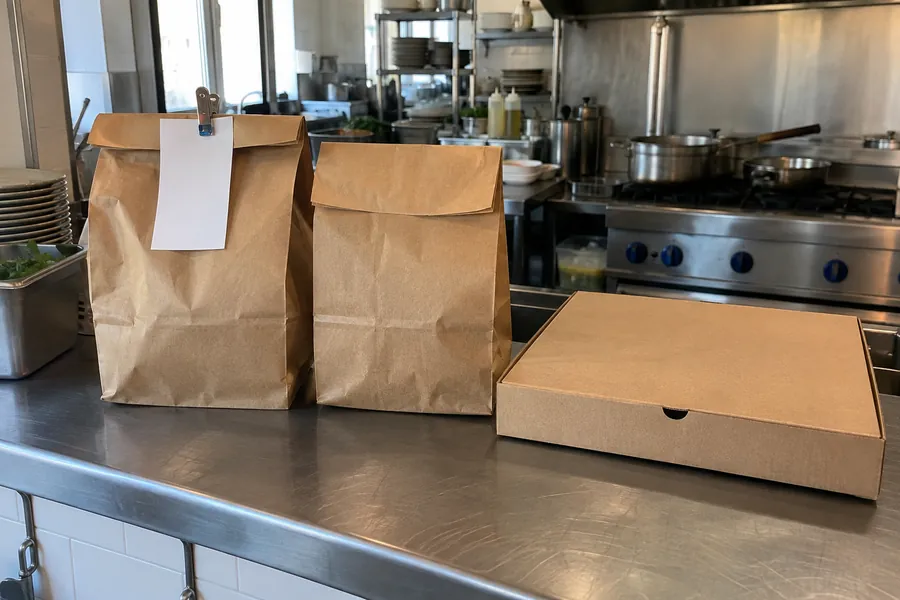
Get the order right before it reaches you.
Guests see your dishes, prices and options, then add requests such as “no spring onion” to the dish. Their choices reach the kitchen with the order, without being repeated over the phone.
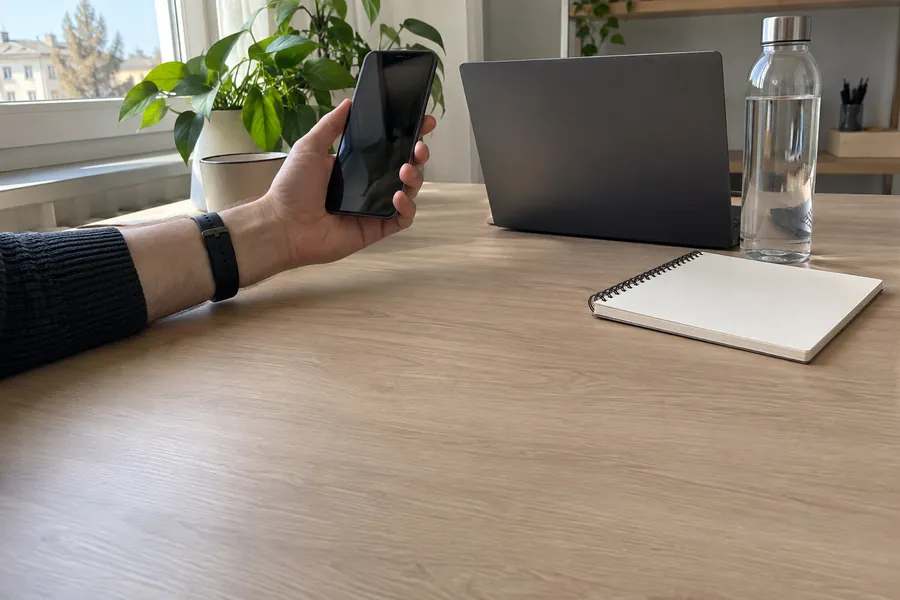
A pickup time. A paid order.
Lunch to collect soon, or dinner ordered in advance: guests choose the time and payment method on your page. Online card payments go to your own Stripe account. OKO takes no commission on the order.
Take the order without typing it again.
The dishes, total and delivery details arrive in OKO Manager. Your team accepts the order, or it is confirmed automatically. Alerts help staff spot incoming orders during service.
- 2× Pad thai
- 1× Green curry
- 75011 · 4th floor · code 2B47
Repeated ringing enabled
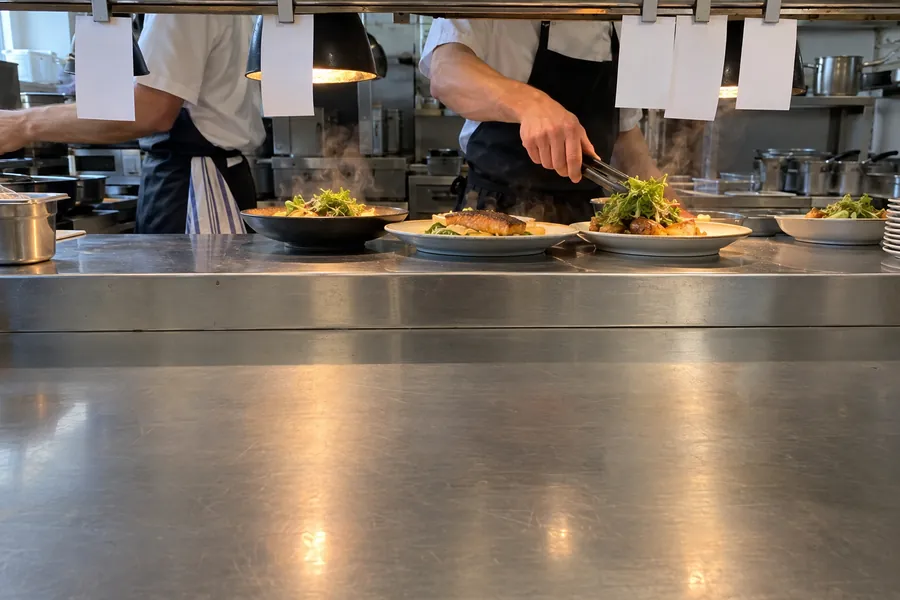
The kitchen sees what the guest asked for.
Dish choices and notes print under the right item, at the kitchen or bar that prepares it. Once the order is ready, your team can email the guest in one tap: less relaying information from counter to kitchen.
- 1×Tonkotsu ramenExtra eggNo spring onion
- 1×Gyoza6 pieces
- 1×Mochi ice cream
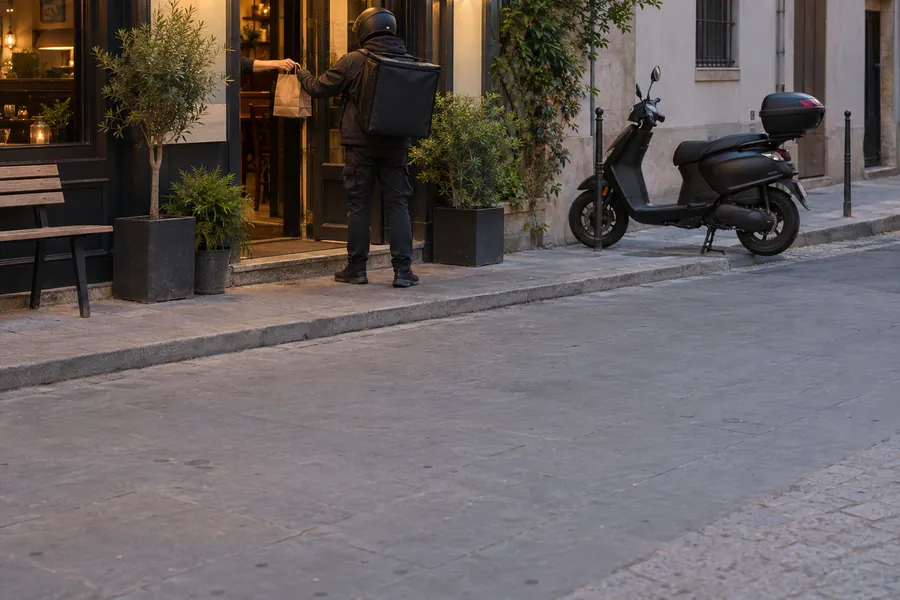
Delivery on your terms.
You deliver with your own team; OKO collects the order and the address. We help set up the postcodes you serve, fees and minimum orders. Guests enter their address and access details, and the order carries what your team needs to get it to the door.
| Postcode | Fee | Minimum |
|---|---|---|
| 75011 | €2.50 | €15 |
| 75010 | €3.00 | €20 |
| 75020 | €3.50 | €25 |
Free delivery from €40 in every area.
The details that keep orders moving.
From choosing a dish to collecting the order, explore the tools for guests, staff and the kitchen.
Your ordering page
- Takeaway and delivery on one pageGuests switch between pickup and delivery as they order.
- Dish photos and detailsPhoto, description, allergens and an alcohol flag for each dish.
- Options with prices and limitsRequired or optional choices, minimum and maximum picks, priced extras.
- Set menusChoices inside choices: pick a main, then its sauce.
- Menus that follow the timeOnly the menus you serve at the chosen time appear.
- Sold out, markedSold-out dishes and extras show as such and cannot be ordered.
- Your message on topA note for guests, such as an offer or your delivery rules.
- 12 languagesThe page speaks your guests' language; you choose which languages appear.
- Menu searchGuests search by dish, description or category, in any language.
Time and hours
- As soon as possible, or a slot15-minute slots, today or on the days ahead you allow.
- Orders while you are closedGuests order for when you open.
- Preparation time shownSeparate times for takeaway and delivery, changed from the app.
- Opening hours per channelDifferent hours for takeaway and delivery.
- Holidays and special hoursClose or change hours for a day or a period.
- Switch a channel offGuests see that ordering is closed for now.
Checkout and payment
- No account neededName, email and phone; guests can save them for next time.
- NotesA note on any dish, and one for the whole order.
- Card payment to your own accountThrough Stripe, straight into your Stripe account. No commission from OKO.
- Pay at pickup or on deliveryCash, card, TWINT, and meal vouchers shown as accepted.
- Payment methods per channelChoose what each channel accepts.
- A second chance to payAn unfinished payment keeps the order so the guest can retry.
- Prices and stock checkedAn order is re-checked before it goes through.
Delivery
- Areas by postcodeA fee, a minimum order, a free-delivery threshold and a service fee for each.
- Or one fee for allA single fee and threshold when you do not need areas.
- The full addressStreet, postcode, entry code and floor, on the order and the ticket.
- Out of area, out of reachAddresses outside your areas cannot order delivery.
Offers and loyalty
- A discount above an amountA percentage off the dishes you choose, above a minimum.
- A free gift above an amountGuests pick their gift once the order reaches your total.
- Checkout optionsYour own tick boxes, such as cutlery.
- Loyalty at checkoutWith the loyalty module, members sign in and use a free-dish reward.
When an order comes in
- Accept automatically or yourselfYour choice, for each channel.
- New order alertsPush notifications and optional repeated ringing in OKO Manager.
- Decline with a reasonThe guest is told why, and an online payment is refunded.
- Emails to the guestA confirmation, then "ready" or "on its way" in one tap.
- An order code for pickupShown to the guest with the time and directions.
- Delivery details at handCopy the address, open it in Google Maps, call the guest.
- RefundsRefund an online payment in full from the app.
- Every order, searchableIn the app and the dashboard: statuses, history, search by name, phone or code.
Tickets in the kitchen
- At the right stationEach dish prints where it is made: kitchen, bar, and so on.
- Large printDish names large, options double height.
- Delivery ticketsOrder code, paid or not, time, phone, address, entry code, notes.
- ReprintPrint a ticket again from the order.
- Your printersNetwork thermal printers, or the built-in printer of a Sunmi device.
- Tickets in your languageNine print languages, or the language of your restaurant’s country.
Keep your customers’ familiar ways to order.
- Your own channel alongside delivery apps. Guests can order directly from you; keep other channels that work for your restaurant.
- Your menu, with help when it changes. Ask your OKO manager to handle updates, or manage your ordering menu and hours in the dashboard.
How it starts.
We bring over your menu, set up pickup and delivery with you and check the kitchen flow. Your own ordering page takes real orders within a few days of your go-ahead.
Start taking orders on your own page.
- Leave your restaurant’s details in the form.
- We get back to you within 48 hours, bring over your menu and set up ordering with you.
- Guests order and pay on your own page, with no commission.
Common questions
Who handles delivery?
Your restaurant arranges the delivery team. OKO collects orders and delivery details; your service areas are set by postcode, with fees, minimum orders and free-delivery thresholds.
How do online payments work?
Connect your own Stripe account for online card payments. Funds go to that account and Stripe charges its payment fees. OKO takes no order commission. Payment at pickup or on delivery can also be offered according to your channel settings.
What do we need for kitchen printing?
OKO Manager sends tickets to compatible network thermal printers or a Sunmi device’s built-in printer. We help set up kitchen and bar routing. Orders paid online print after payment succeeds; the app and printers need the right connection.
Can I keep my till and other ordering channels?
Yes. If your till has an API, we build the connection free; its vendor may charge its own fee. Delivery-app links can stay on your website. They are separate ordering channels, rather than orders collected inside OKO.
Can guests order from Google?
With online marketing, we can set up an Order link on your Google profile to your own page. Your manager confirms profile access and the ordering features to connect.
From €30/month excl. VAT, for the modules you pick
- Your exact monthly price, before you start. Tell us which modules you want and you get it when we get back to you.
- Setup and your OKO manager included. Advanced website customisation is quoted separately.
- Pay monthly, no contract. No commission on orders; stop any month.
Leave your restaurant’s details in the form. We get back to you within 48 hours.