Ordering at the table, by QR code or by your staff.
Guests order from the table, or your team takes the order on a phone. Dishes and requests reach the right kitchen station, and extra rounds stay with the right table.
We set it up for your restaurant. Pay monthly, no contract.
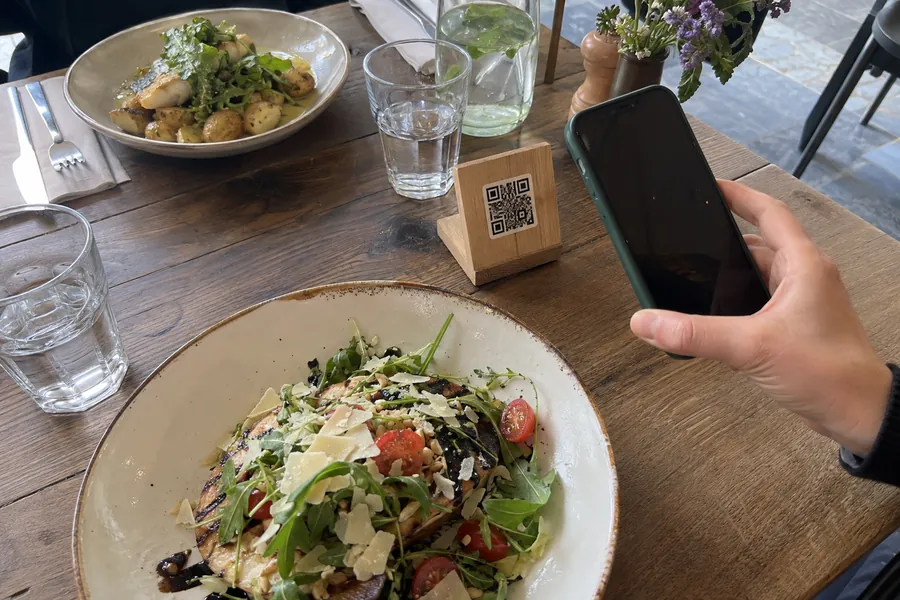
Let guests order when they are ready.
A table QR code opens your menu on their phone. Guests choose dishes and options, leave a note for the order and send it. They can add another round without waiting to catch a waiter’s attention.
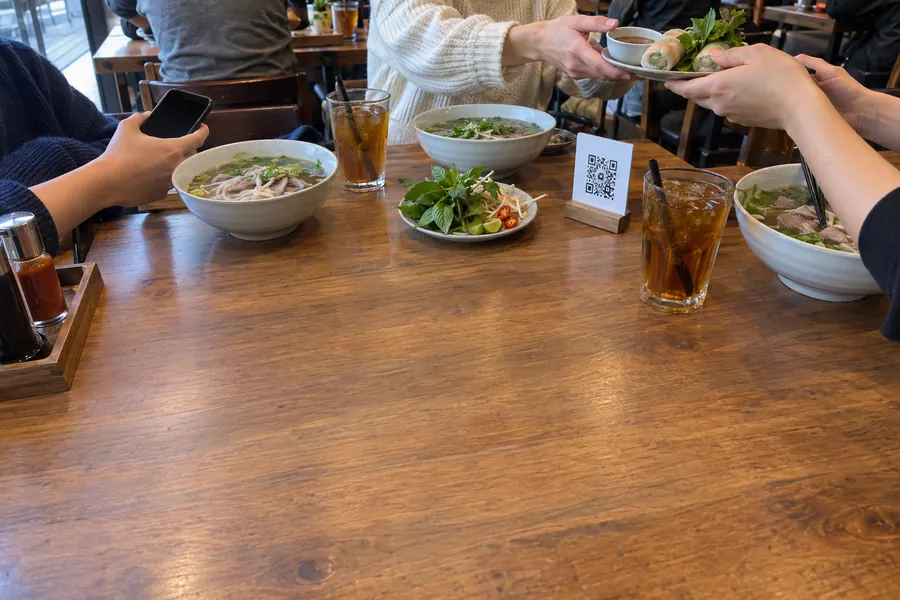
Your team takes the order. The kitchen gets it clearly.
For guests who prefer table service, staff order in OKO Manager. Dish notes, choices and the staff name travel with the ticket to the kitchen or bar. A changed round prints the changes; a cancelled round prints a cancellation ticket.
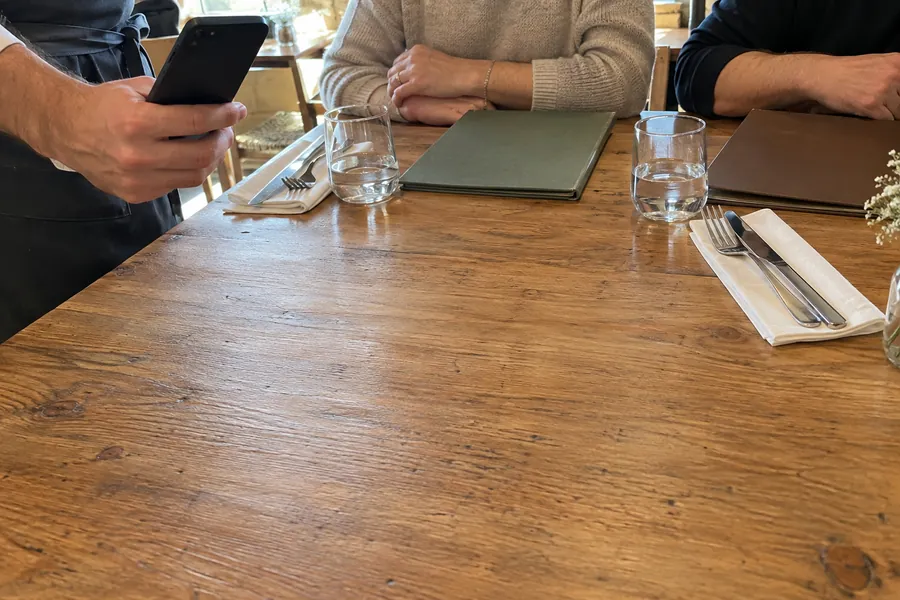
- 2×Duck confitOne without salad
- 1×Steak fritesMedium rare
- 1×Mushroom risotto
Keep extra orders with the right table.
Each new round stays with the table, so your team can follow what has been ordered. See which tables are free, booked or seated, move a party when needed and close the table after the guests leave, ready for the next service.
Table 12 is seated; table 10 is free for the next guests.
All-you-can-eat, with a rhythm the kitchen can follow.
For buffet service, we help set dishes per guest and time between rounds. Guests see the limit and countdown; paid drinks and extras can still be ordered. Staff can release the next round early when it suits the service.
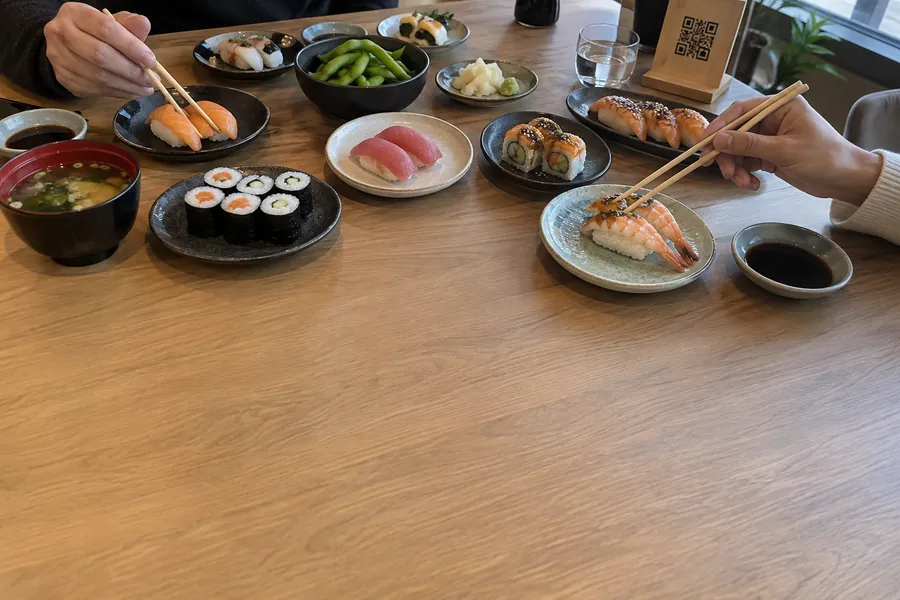
- 4× Salmon maki
- 2× Tuna nigiri
- 2× Gyoza
Next round in 8 min · drinks at any time
From the first order to the next table.
Explore QR ordering, staff ordering, kitchen tickets and the table tools your team uses during service.
Ordering from the table
- A QR code per tableIt stays the same when you reprint it.
- Stickers ready to printUp to 200 at a time, in your colour and language.
- Order from the phoneBrowse, choose options, add a note for the order, send.
- More roundsGuests order again whenever they like.
- No sign-in, no paymentGuests pay at the end, in the restaurant.
- Your welcome messageHouse rules or buffet rules, shown when guests scan.
- 12 languagesGuests read your menu in their language.
- Menus that follow the timeQR ordering during your dine-in hours, with the menu of the moment.
- Menu searchGuests find a dish by name, description or category, in any language.
Your table rules
- Staff open the table firstThe QR code unlocks once the table is open.
- Ask the party sizeGuests say how many they are before the first order.
- Accept each roundOr let rounds through automatically.
All-you-can-eat
- Dishes per guest, per roundThe limit grows with the party size.
- Time between roundsGuests see a countdown.
- Drinks at any timePriced items skip the limit and the wait.
- One round per tableShared across every phone at the table.
- Release nowStaff end the wait early from the app.
- Round number on the ticketThe kitchen knows which round it is.
- Your buffet dishesChoose which dishes count towards the limit.
- A reminder for the per-person priceBefore a buffet table is closed without it.
Staff ordering
- Staff PINs and rolesEach person signs in with a PIN, as manager or waiter.
- Open a table for the partyTable number and number of guests.
- The whole menuSearch, required choices and allergens.
- Notes for the kitchenOn any dish, and on the whole order.
- Straight to the kitchenRounds entered by staff go through at once.
- Who did whatEvery order and cancellation carries a name.
Tables
- Free, booked, seatedWith how long each table has been seated, and how many are free.
- Booking warningsBefore opening a table that is booked soon.
- 12A, 12BTurn a table, or open a separate bill at the same table, without closing it first.
- Move a partyTo another table in a few taps.
- Temporary tablesOpen a number that is not on your list.
- Tables with no ordersClose them, or discard one opened by mistake.
- Areas and seatsNumber tables by area and set their seats.
Kitchen and bill
- Tickets by stationKitchen, bar and any station you set.
- Changes onlyModify a round and only the changes print.
- CancellationsA reason is asked, and a cancellation ticket prints.
- Unprinted ticketsSee tickets that did not print and follow up with the kitchen.
- The billPrint it for the whole table or per round.
- Table historyClosed tables and their orders, by date.
- Tickets in your languageNine print languages, or the language of your restaurant’s country.
Devices and printers
- iPhone, iPad, Android and SunmiOKO Manager is on the App Store and Google Play.
- PrintersNetwork thermal printers, or the built-in printer of a Sunmi device.
QR codes and personal service can work together.
- Keep taking care of guests. They can order by QR, while your staff take orders on a phone for anyone who prefers it.
- Use your team’s phones or tablets. OKO Manager is available on the App Store and Google Play.
How it starts.
We prepare the menu, the table QR codes and the kitchen printing with you, then walk your team through a first service.
Bring ordering to your tables.
- Leave your restaurant’s details in the form.
- We get back to you within 48 hours and prepare menus, table codes and kitchen printing with you.
- Your team takes the first orders with QR codes and OKO Manager.
Common questions
Do guests have to use a QR code?
No. Your team can take the order in OKO Manager. Guests using QR do not need to sign in; they can choose dishes and leave an order note. Staff can also add notes to individual dishes.
How do guests pay?
In your restaurant, as usual, on your own till. OKO handles the table orders and can print a table or round summary; it doesn’t take or record the payment.
What do we need to get started?
We help set up menus, tables, QR codes and printers. OKO Manager runs on iPhone, iPad, Android and Sunmi. Kitchen printing uses compatible network thermal printers or the Sunmi built-in printer; sending orders needs an internet connection.
Can staff check orders before they reach the kitchen?
Yes. QR rounds can wait for staff acceptance, or confirm automatically. You can also require staff to open the table before QR ordering starts. Your manager helps choose the flow for your service.
How does all-you-can-eat work?
We help set the dishes counted in each round, the per-guest limit and the wait between rounds. The round is shared across phones at the table. Staff can release the wait early and add the per-person menu charge; that charge is not added automatically.
Can I keep my till?
Yes. Payments stay on your own till. If it has an API, we build the order connection free; its vendor may charge its own fee.
From €30/month excl. VAT, for the modules you pick
- Your exact monthly price, before you start. Tell us which modules you want and you get it when we get back to you.
- Setup and your OKO manager included. Advanced website customisation is quoted separately.
- Pay monthly, no contract. No commission on orders; stop any month.
Leave your restaurant’s details in the form. We get back to you within 48 hours.