Online reservations for your restaurant.
Fewer calls in the middle of service. Guests book from your website or from Google, your team sees every booking in one list and seats each party in a tap.
We set it up for your restaurant. Pay monthly, no contract.
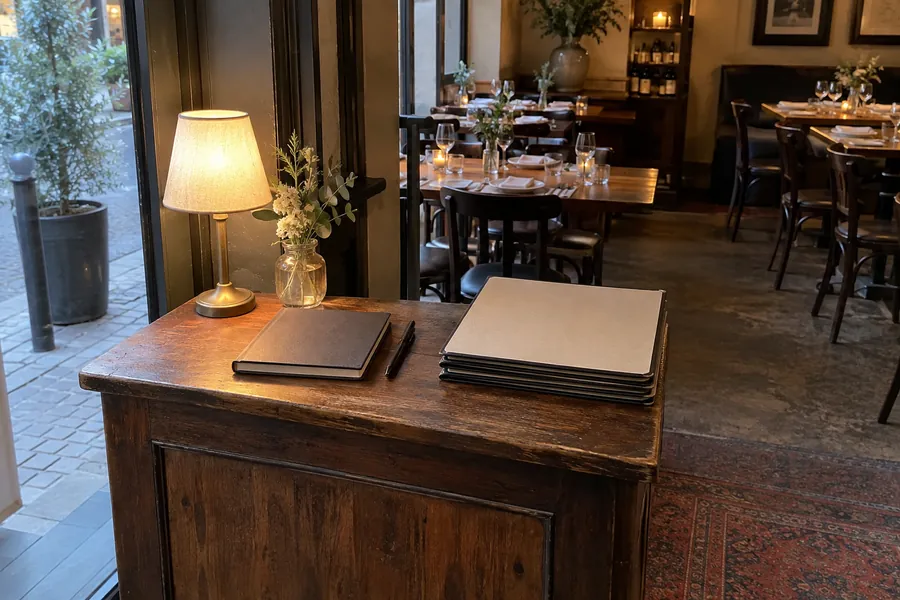
Let guests book while you serve.
Guests choose their party size, date and an available time, then leave their contact details. We set up your booking page and help put its link on your website, social pages and messages.
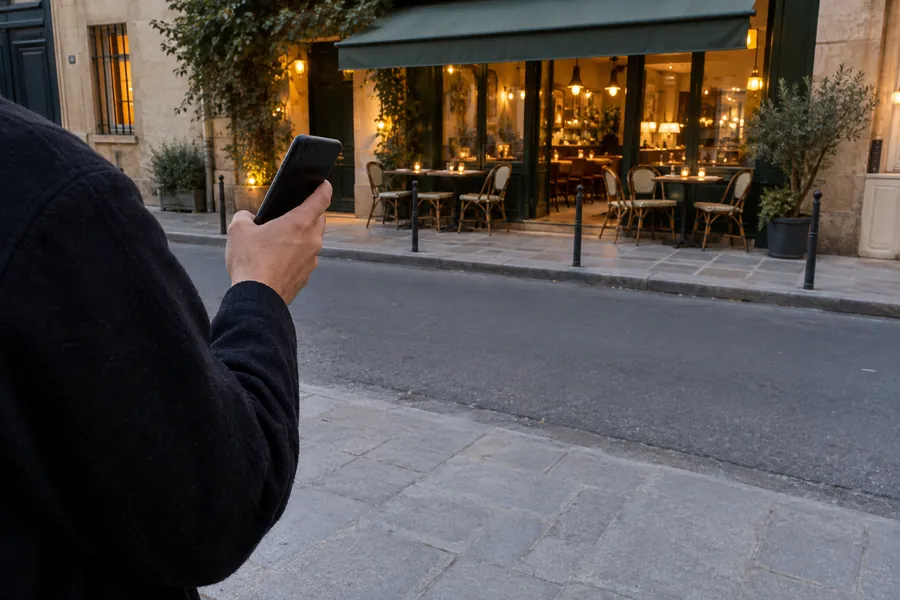
A table, straight from Google.
With Reserve with Google enabled for your restaurant, guests book directly in Google Search or Maps. These bookings join the same list as those made on your website.
 Google Maps
Every booking, ready for tonight.
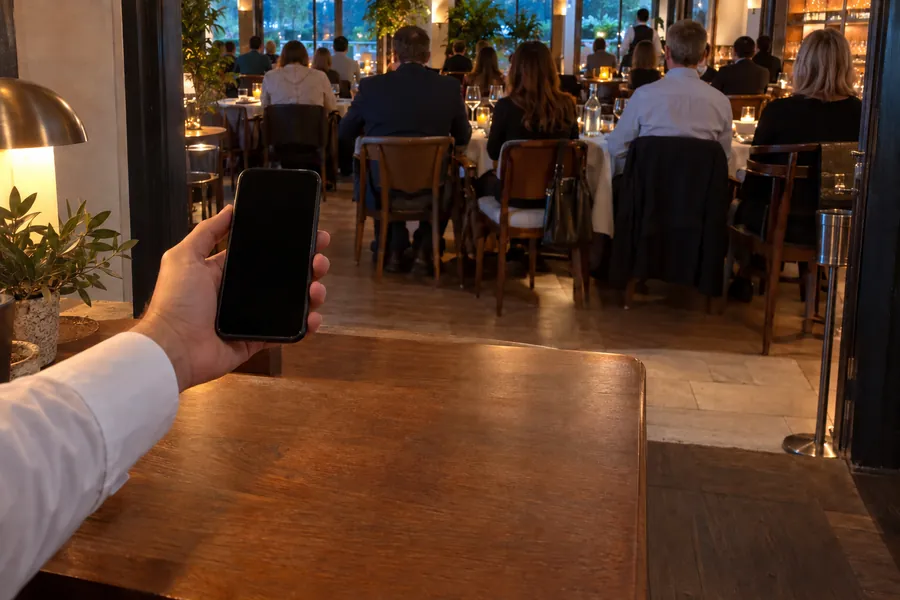
Online bookings arrive in OKO. Your team adds phone bookings to the same list, so everyone can see who is coming, when and how many guests to expect.
- 19:30Martin2 guestsSeated
- 20:00Dubois4 guestsTable A10
- 20:30Leroy3 guestsExpected
- 21:00Moreau6 guestsExpected
Keep guests informed without another call.
Booking and confirmation emails go out automatically. Guests can cancel through their email, giving your team an up-to-date list for service.
- Saturday 4 October · 20:00
- 4 guests
Welcome guests and find their table.
Assign a table before service or choose one when guests arrive. Your team marks them as arrived and seats them in OKO Manager. Walk-ins can be seated from the same table list. Table 12 still busy? OKO offers 12A beside it, so you turn the table without closing it first.
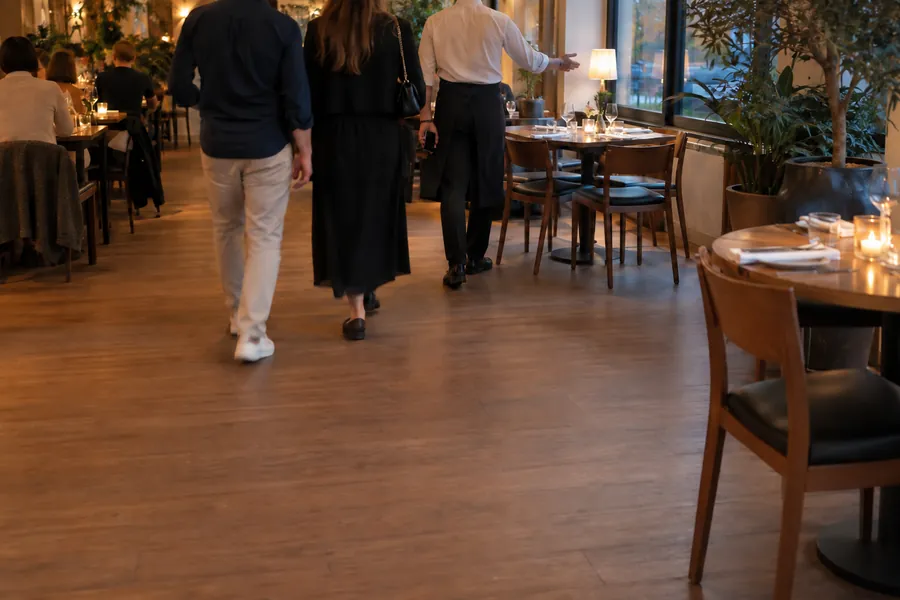
The assigned table is already selected.
Details for planning your service.
Booking times, guest emails and table tools, grouped below.
Your booking page
- Choose a date and timeHow many, which day, what time, then their details.
- Link it anywhereYour website, your Google profile, social pages, messages.
- In your guests' languageThe booking page speaks 12 languages.
- Online cancellationGuests cancel from their email, and the table frees up.
- Protection against fake bookingsRepeated bookings from the same device or email are stopped.
Your rules
- Time slotsChoose the interval between booking times.
- Dining timeSet how long a table is usually taken.
- Notice and horizonHow early before a slot guests can still book, and how many days ahead.
- Closed days and special datesHolidays, private events, changed hours.
- Bookings per slotCap how many bookings each slot takes.
- Party sizesThe smallest and largest party per booking, for each service.
- Automatic or manual confirmationConfirm automatically up to a party size, and look at larger groups yourself.
On Google
- Reserve with GoogleGuests book from your listing on Google Maps and Search.
- One listGoogle bookings arrive with all the others.
Emails to guests
- Sent automaticallyWhen guests book, when you confirm, and when a booking is cancelled or declined.
- Your choice for staff bookingsDecide whether guests get an email when your team adds a booking.
In the restaurant
- New booking alertsA push notification in OKO Manager for every new booking.
- Tonight's listEvery booking in the OKO Manager app and in your dashboard.
- Phone bookingsAdd them to the same list in seconds.
- ArrivalsMark guests as arrived, with or without a table.
- No-showsRecord who did not come.
- Room for one moreAdd a booking beyond your limits when you know there is space.
- Guest listEvery guest's details in one place.
Tables
- Assign in advanceGive a booking its table before the guests arrive.
- Seat in one tapThe assigned table is already selected when you tap Seat.
- Walk-insOpen a table for guests without a booking.
- Turn tables without closing themTable 12 still taken? OKO offers 12A beside it, then 12B.
- Move a partyChange a table in a few taps.
- Free, booked, seatedSee the state of every table, and how many are free right now.
- AreasNumber tables by area, like A12 on the terrace.
- Tables with no ordersClose them, or discard one opened by mistake.
Keep your website and your phone bookings.
- We connect your booking page. Use it with your existing website, or inside an OKO restaurant website.
- Your team keeps one list. Add phone bookings in the app or dashboard alongside online reservations.
How it starts.
Tell us how you take bookings today. We set up your booking times and rules with you, connect the booking page to your website and Google, and your team manages arrivals and tables in OKO Manager.
Ready to take bookings online?
- Leave your restaurant’s details in the form.
- We get back to you within 48 hours and set up your booking times and rules with you.
- Bookings from your website and Google arrive in one list.
Questions before you start.
Can I keep my website?
Yes. We help link your existing website to the OKO booking page. An OKO website can open booking within the site.
How is booking on Google different?
A link on your Google profile opens your OKO booking page. Reserve with Google lets guests book directly in Search and Maps. It needs to be enabled for your restaurant; we confirm it during setup.
Can I control how many bookings we take?
Yes. Set booking times, the number of bookings per slot, party sizes, closed dates and automatic or manual confirmation. Your manager helps with setup.
What happens to phone bookings?
Your team adds them in the app or dashboard. They appear alongside online bookings, ready for arrival and seating.
From €30/month excl. VAT, for the modules you pick
- Your exact monthly price, before you start. Tell us which modules you want and you get it when we get back to you.
- Setup and your OKO manager included. Advanced website customisation is quoted separately.
- Pay monthly, no contract. No commission on orders; stop any month.
Leave your restaurant’s details in the form. We get back to you within 48 hours.